
Slack integration
Client feedback from your website, in a Slack channel
Clients report issues from the website itself. Each report is posted to the Slack channel you choose, with the page URL and browser details in the message and the annotated screenshot in its thread.
- Add GiveFeedback.io to your Slack workspace
- Resolve or reopen reports from the message on paid plans
- Included in every plan, including Free
Free plan - No credit card - Set up in minutes
In Slack
Every report where your team already talks
Each message shows the report's title, what the client wrote, the page URL, the browser details and a link to the full report. The annotated screenshot is posted in the message's thread, so the discussion stays in one place.
- Public channels, or private ones you add the app to
- Annotated screenshot in the thread
- Page URL, browser, OS and screen size
- Link to the original report
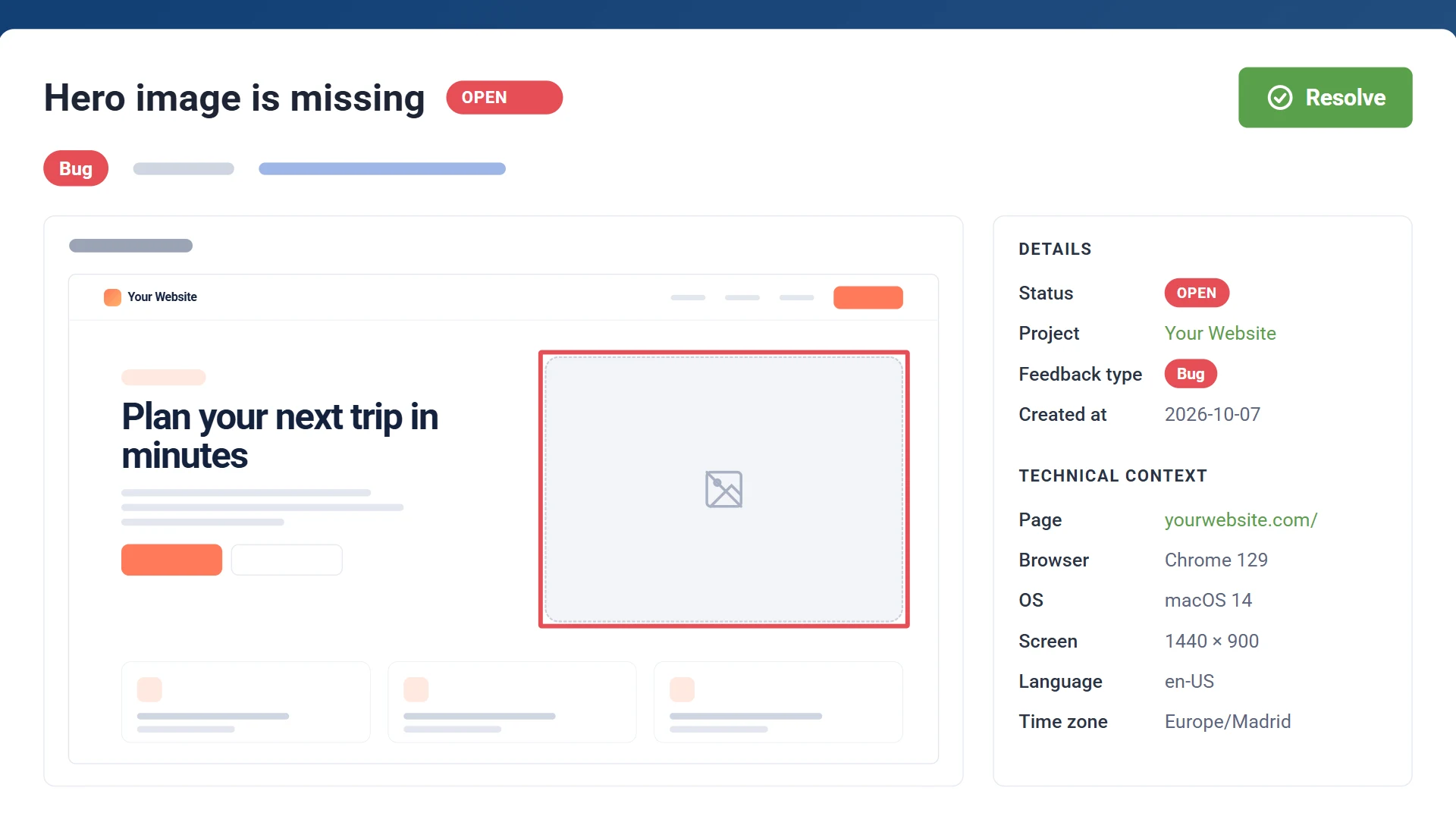
Two-way sync
Resolve it without leaving Slack
Each message has Resolve and Reopen buttons: click one and the report changes status in GiveFeedback.io. Change the status in GiveFeedback.io and the message is updated to match, so the channel always shows what's still open. Two-way sync is included in Pro and Company.

Feedback report
ResolvedSlack message
ResolvedHow it works
Add the script to your site
Paste one snippet into the <head>. A "Give Feedback" button appears for your clients.
Connect Slack
Add GiveFeedback.io to your Slack workspace and pick the channel for this website.
Reports arrive in the channel
Every report your clients send is posted there, with the annotated screenshot.
Slack integration questions
Is the Slack integration free?
Yes. It's included in every plan, including the free plan: every report your clients send arrives in Slack. Pro and Company also keep the status in sync both ways.
Can it post to a private channel?
Yes, once you add the GiveFeedback.io app to that channel. Public channels work straight away.
What do the buttons on the message do?
Resolve marks the report resolved in GiveFeedback.io and Reopen opens it again. The message updates to show the current status either way. The buttons are included in Pro and Company.
Do my clients need a Slack account?
No. Clients only use the feedback button on the website. Messages are posted to Slack with your connected account.
Get client feedback in Slack
Connect your first project for free. No credit card needed.
Free plan - No credit card - Set up in minutes