Integrations
Send client feedback straight to your project tool
Connect once and every report your clients send is created in Notion or Asana, with the annotated screenshot, the page URL and the browser details. No copying and pasting.
Free plan forever · No credit card · Set up in minutes
Available integrations
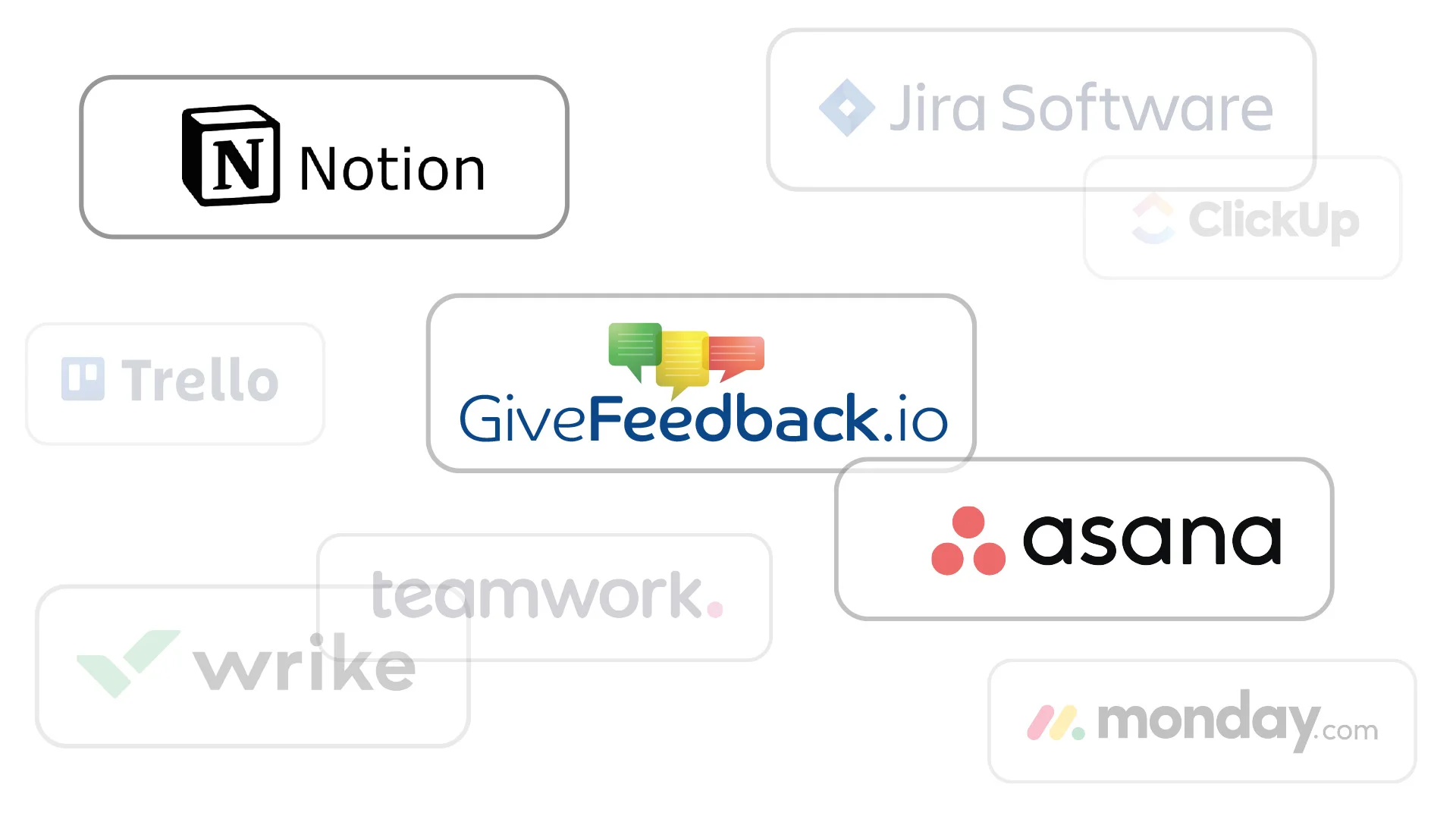
Notion and Asana work today and are included in every plan, including Free. These are next on the roadmap.
Coming soon:JiraClickUpTrelloMondayWrikeSlackDiscord
What gets sent
Everything the developer needs, in the task
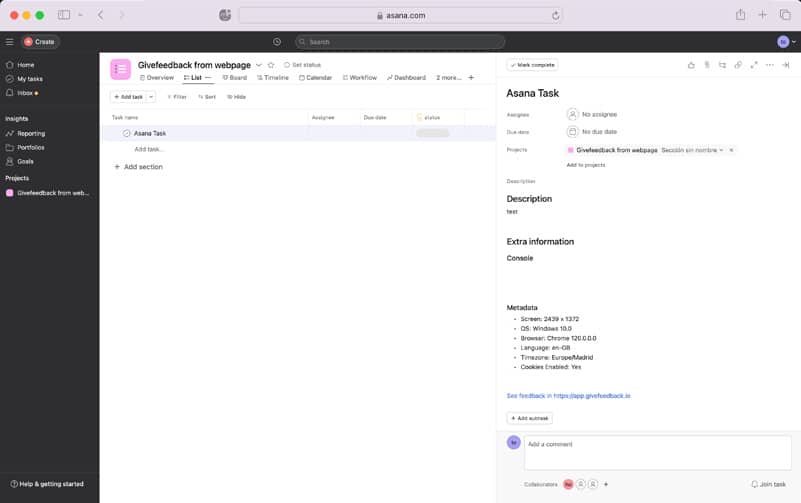
Each report is created with its title, the client’s description, the annotated screenshot and the technical details, plus a link back to the full report in GiveFeedback.io.
- Title and description
- Annotated screenshot
- URL, browser, OS, screen size, language, time zone
- Link to the original report
Setup
Connected in under a minute
Open your project, go to Integrations, choose Notion or Asana and sign in to authorise access. Pick the Notion database or the Asana project where reports should go, and you’re done.
Integration questions
Are integrations included in the free plan?
Yes. Notion and Asana are available on every plan, including Free.
Do you integrate with Jira, Trello or ClickUp?
Not yet. Jira, ClickUp, Trello, Monday, Wrike, Slack and Discord are on the roadmap. Tell us which one you need; requests help us decide what to build next.
Can each project use a different destination?
Yes. Integrations are set per project, so each client site can send its reports to its own Notion database or Asana project.
Do I need an integration at all?
No. Every report is also in your GiveFeedback.io dashboard, where you can mark it open, resolved or archived.
Connect your first project for free
Integrations are included in every plan. No credit card needed.
Free plan forever · No credit card · Set up in minutes